They are gone! They were not easy to properly locate. Please advise.
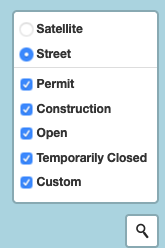
Also, check to ensure that you are still signed in. If you recently cleared cookies on your browser, that would sign you out of the site and it wouldn’t show your individual locations.
I know this is an old thread, but many of my markers also disappeared. I login to my account from three devices: iPhone, iPad, Mac. I have tried both Safari and Chrome.
When I add Custom Markers to my map while logged in (I’m adding locations of Love’s RV Stops), those markers only seem to save on the device from which I added them. When I login to one of my other devices, all the markers I spent hours adding are gone, and I’ve reverted to an earlier state when I only had 4 (instead of 20-ish after my marathon marker adding session).
My profile showed 4 markers, then when I added a bunch from my iPhone, I was around 20 on the profile. But then logged back in with my Mac, I was back to 4.
Is this feature somehow tied to cookies on an individual device, so if I log in with a different one, the markers aren’t on that device, so it wipes them from the account too? How do I get them to “stick” on my profile so they are visible from each of my devices?
Thanks.